
Designer Studio
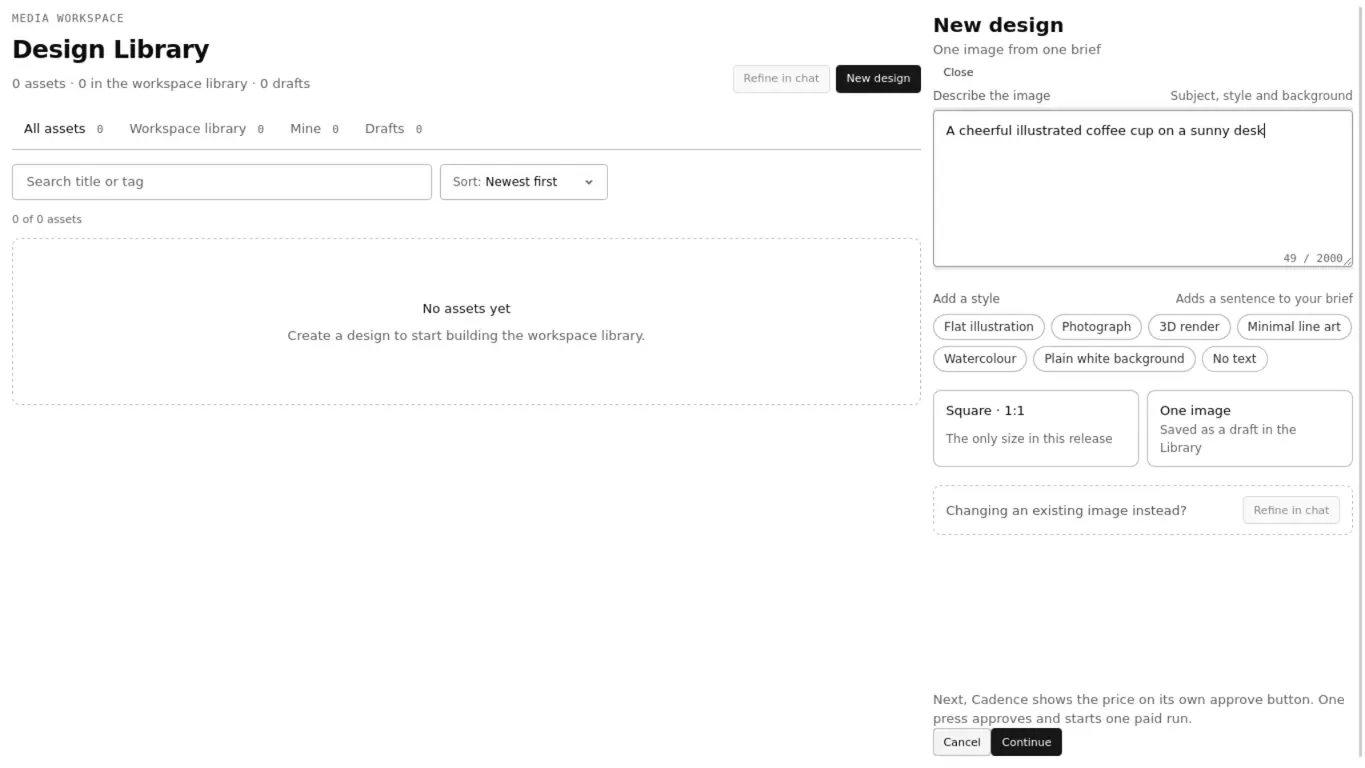
Create an image from a brief and keep it in the Design Library.
In practice
Make a hero image from a brief, review it in the Design Library, then download the original.
Good fit for · Small teams preparing campaign visuals
What it does
- Generate one image from one brief. Approve the quoted amount before any paid run.
- Preview or download originals in the Design Library.
Access and approvals
- Makes one image per run; the worker cannot change model, count or destination.
About this app
Designer Studio creates one image per creative brief through the bound image capability. Before any paid run, the host shows the price and asks you to approve it. Results are kept as drafts in the workspace Design Library, with previews and original download. Refine in chat attaches a Library image to the workspace chat; sending it to the assistant and running a reference edit need host support, and on hosts without it the image can be attached but not sent. Video is not supported.